Flutter Firebase Auth Returns invalid-credential, Not wrong-password? Why, and the 4-Step Fix
Why does Firebase Auth return invalid-credential instead of wrong-password in Flutter?
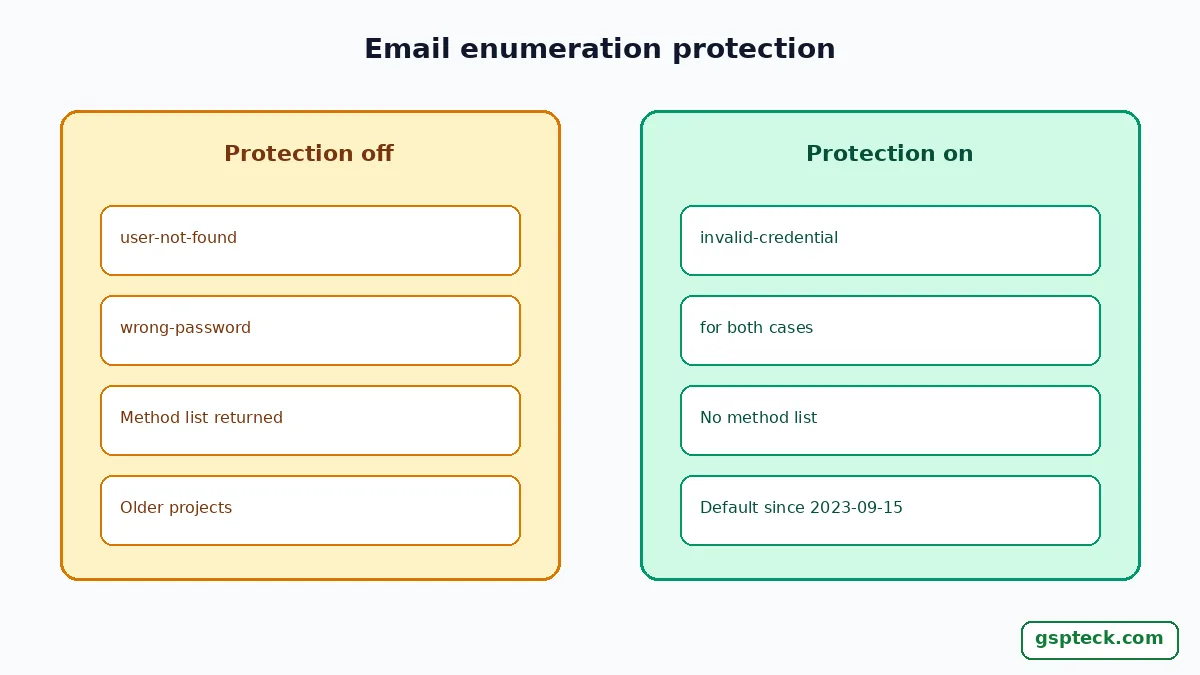
Because your Firebase project has email enumeration protection turned on. With it on, a failed email-and-password sign-in no longer tells your app whether the email exists, so FlutterFire throws invalid-credential where older code expected user-not-found or wrong-password. Google's Identity Platform docs say the protection is on by default for projects created on or after September 15, 2023, and the firebase_auth API reference now marks user-not-found and wrong-password as deprecated for this reason. GSPTeck is giosaia's indie studio building mobile and web apps with Flutter and Firebase; this guide was checked against the Firebase, Identity Platform and pub.dev docs on 2026-11-22.
What changed, and which error codes you get now
Short answer: the server returns one generic error for "no such user" and "wrong password", and FlutterFire maps it to invalid-credential. The Identity Platform page says invalid sign-in cases return INVALID_LOGIN_CREDENTIALS, and the pub.dev reference adds that older native SDKs reported invalid-login-credentials instead.
| Situation | Without protection | With protection (default since 2023-09-15) |
|---|---|---|
| Email not registered | user-not-found | invalid-credential |
| Wrong password | wrong-password | invalid-credential |
| Malformed email | invalid-email | invalid-email (unchanged) |
| Too many attempts | too-many-requests | too-many-requests (unchanged) |
| Email/password provider off | operation-not-allowed | operation-not-allowed (unchanged) |
| Sign-up with an email already in use | email already in use | Still returned: Identity Platform says invalid sign-up cases continue to return EMAIL_EXISTS |
The official Flutter password-auth sample on firebase.google.com still checks user-not-found and wrong-password in its signInWithEmailAndPassword snippet, which is why so much copied code silently stops matching. Those branches never run on a protected project.
The 4-step Generic Credential Fix
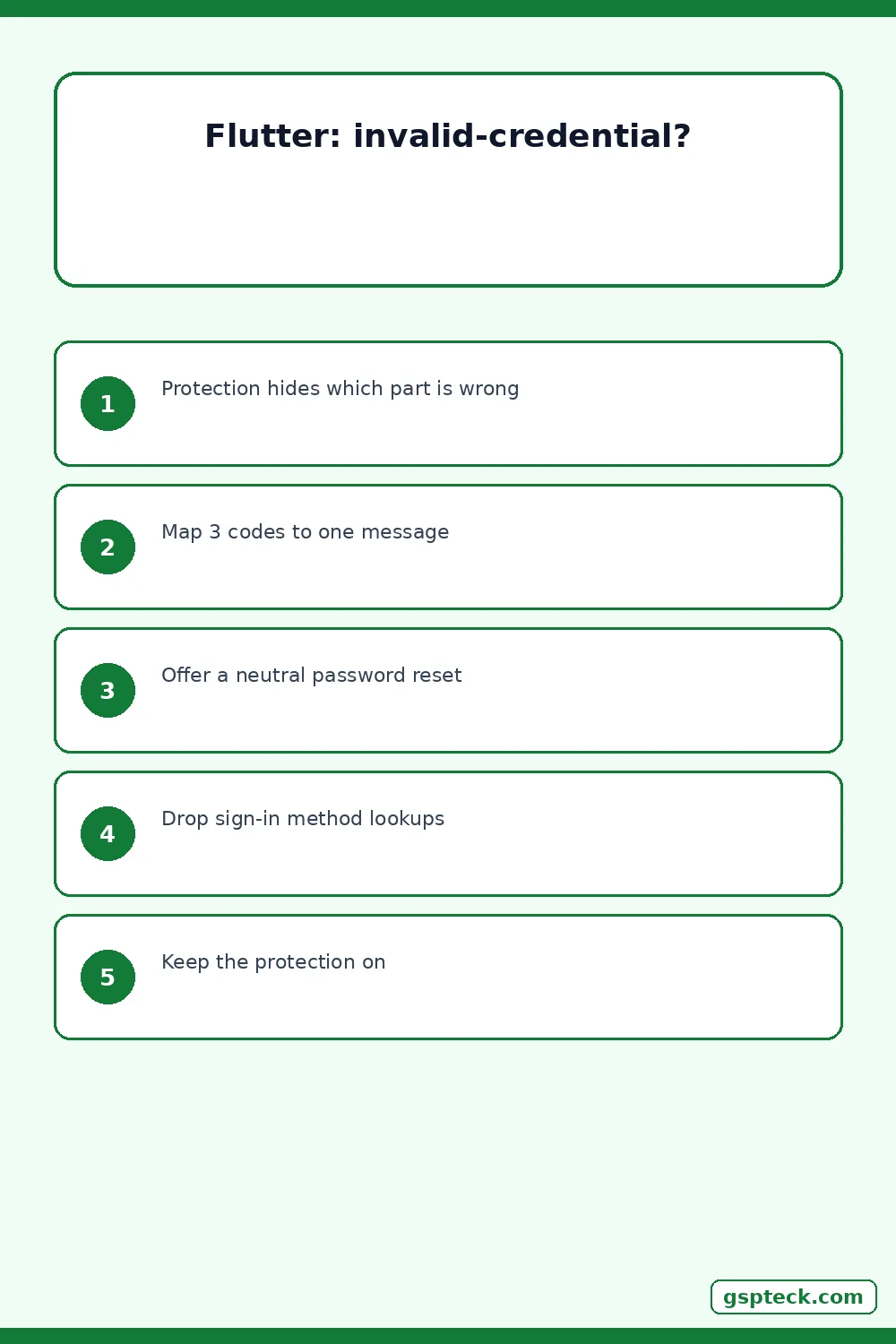
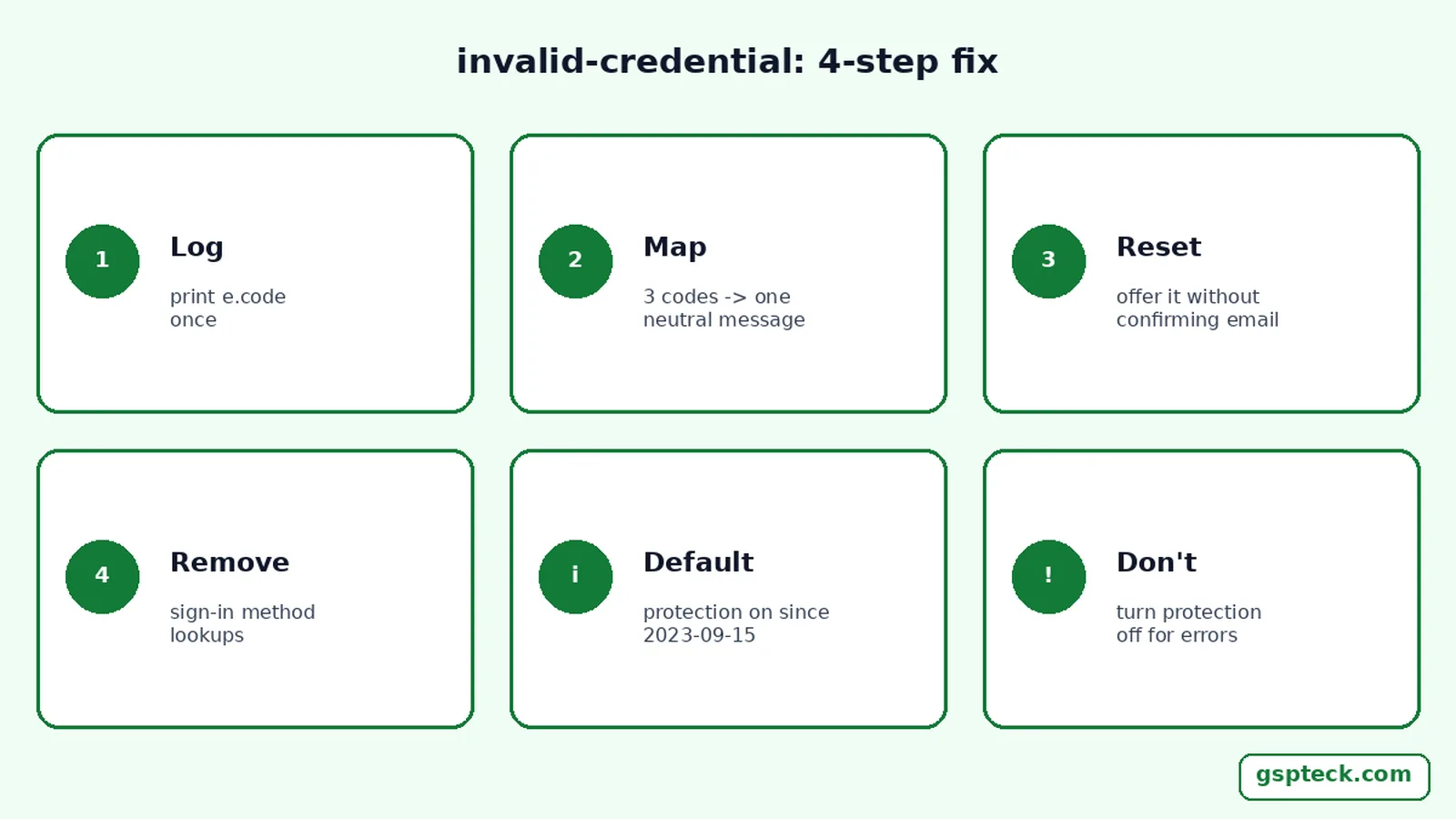
The fix is to treat invalid-credential as "email or password is wrong" and stop trying to tell the user which one. Do these four steps in order.
- Log the real code once. In
on FirebaseAuthException catch (e), printe.codeduring development. If you seeinvalid-credentialfor both a missing user and a bad password, protection is on. - Map the codes to three messages.
invalid-credential,user-not-foundandwrong-passwordall become "Email or password is incorrect." Keep separate messages forinvalid-email,user-disabled,too-many-requestsandnetwork-request-failed, because those are still specific. - Offer reset without confirming the account. Put a "Forgot password?" link next to the error. Identity Platform says a reset email is sent only if the address exists, with no error telling you either way, so show "If an account exists, we sent a reset link."
- Remove any lookup that reveals accounts. If your login screen calls
fetchSignInMethodsForEmailto decide between "sign up" and "sign in", replace it with one form that accepts both paths. With protection on, Identity Platform says that method no longer returns the list of sign-in methods.
A minimal mapping looks like this:
String authMessage(FirebaseAuthException e) {
  switch (e.code) {
    case 'invalid-credential':
    case 'user-not-found':   // deprecated, older projects
    case 'wrong-password':   // deprecated, older projects
      return 'Email or password is incorrect.';
    case 'invalid-email':
      return 'That email address is not valid.';
    case 'user-disabled':
      return 'This account has been disabled.';
    case 'too-many-requests':
      return 'Too many attempts. Wait a moment and try again.';
    case 'network-request-failed':
      return 'No connection. Check your network and retry.';
    default:
      return 'Sign-in failed (${e.code}).';
  }
}
What else stops working when protection is on
Short answer: account-discovery helpers and unverified email changes. The Identity Platform page lists these behaviours on protected projects, and each one affects Flutter code we see in indie apps:
- No sign-in method list.
fetchSignInMethodsForEmaildoes not return the methods for an email, so a "you signed up with Google, use Google" hint built on it stops working. Our guide to the account-exists-with-different-credential error explains a fallback screen for that case. - No direct email change.
updateEmailis blocked; useverifyBeforeUpdateEmailso the user confirms the new address first. That flow can also trigger the requires-recent-login error and reauthentication. - No linking an EmailAuthCredential with linkWithCredential. Identity Platform says to use the REST
signUpendpoint with the user's ID token instead. - Silent email flows. Password reset and email change requests no longer return errors that reveal whether an address exists.
Should you turn email enumeration protection off?
No, in almost every case. Google recommends leaving it enabled on all projects, because email enumeration helps attackers confirm which addresses have accounts before credential-stuffing or phishing them. The Firebase console still offers the switch under Authentication, Settings, User actions, but turning it off only to get the old error codes back trades your users' privacy for a slightly more specific error message.
The same page suggests extra protection for sign-up endpoints, which still return EMAIL_EXISTS: enable App Check, add reCAPTCHA to sign-up, or prefer providers such as Google Sign-In. Our notes on staging App Check in a Flutter app and hardening Firebase Auth against API key abuse cover both.
A worked example: one login screen, two failures
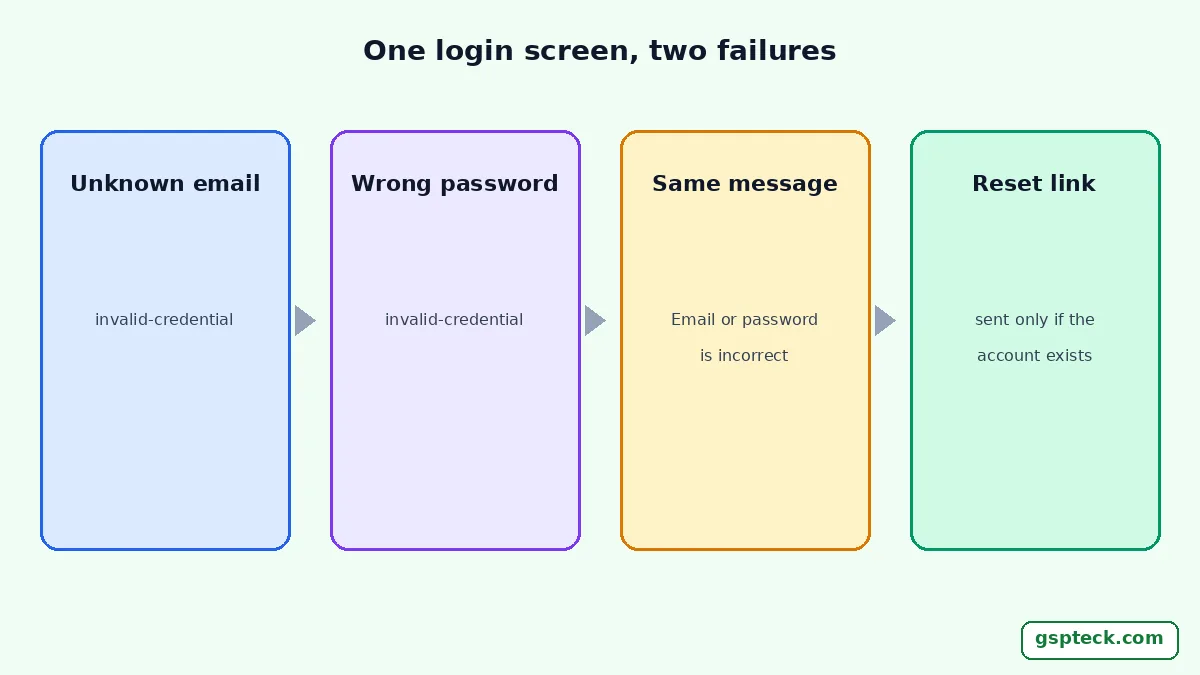
Illustrative scenario, not a real user. A Flutter app created in 2025 has the default protection. Ana types an email she never registered; the app gets invalid-credential. Ben types his real email with an old password; the app also gets invalid-credential. With the mapping above, both see "Email or password is incorrect" and a "Forgot password?" link. Ben taps it and receives a reset email; Ana taps it and receives nothing, and the screen shows the same neutral confirmation to both. Nobody watching the screen learns whether Ana's address has an account.
If the same code shows user-not-found on one device and invalid-credential on another, check which Firebase project each build points to. A debug build wired to an older project, a release build wired to a newer one, or a mixed setup like the ones in why a Flutter app works in debug but not in release explains the difference.
FAQ
Is invalid-credential a bug in firebase_auth?
No. The firebase_auth API reference documents it as the code for an incorrect email or password on projects with email enumeration protection, which replaces user-not-found and wrong-password so the app cannot reveal whether an account exists.
Why do I still see user-not-found on one project?
That project probably has email enumeration protection turned off. Identity Platform says it is not automatically enabled on projects created before September 15, 2023, so older projects keep the specific codes until someone turns it on.
How can I tell the user they have no account?
On a protected project you should not. Show one neutral message for a wrong email or password, offer a password reset, and offer sign-up on the same screen, so the response is the same whether or not the address is registered.
Does this affect Google or Apple sign-in?
The generic error replaces the email-and-password sign-in codes. Federated sign-in still has its own flows and codes, such as account-exists-with-different-credential when an email already belongs to another provider.
Sources
- Identity Platform: enable or disable email enumeration protection (checked 2026-11-22)
- firebase_auth API reference: signInWithEmailAndPassword error codes (checked 2026-11-22)
- Firebase: authenticate with Firebase using password-based accounts on Flutter (checked 2026-11-22)
- Firebase: error handling in Flutter authentication (checked 2026-11-22)
More Flutter and Firebase fixes from the same studio are on the GSPTeck apps and official links page and the GSPTeck homepage.